
Privacy & Consent in Kids Apps: A Caregiver’s Checklist
A plain-language checklist to spot privacy-safe kids apps—covering COPPA basics, data minimization, offline play, SDK risks, and dark patterns.
1) What “privacy-safe play” means for ages 2–6
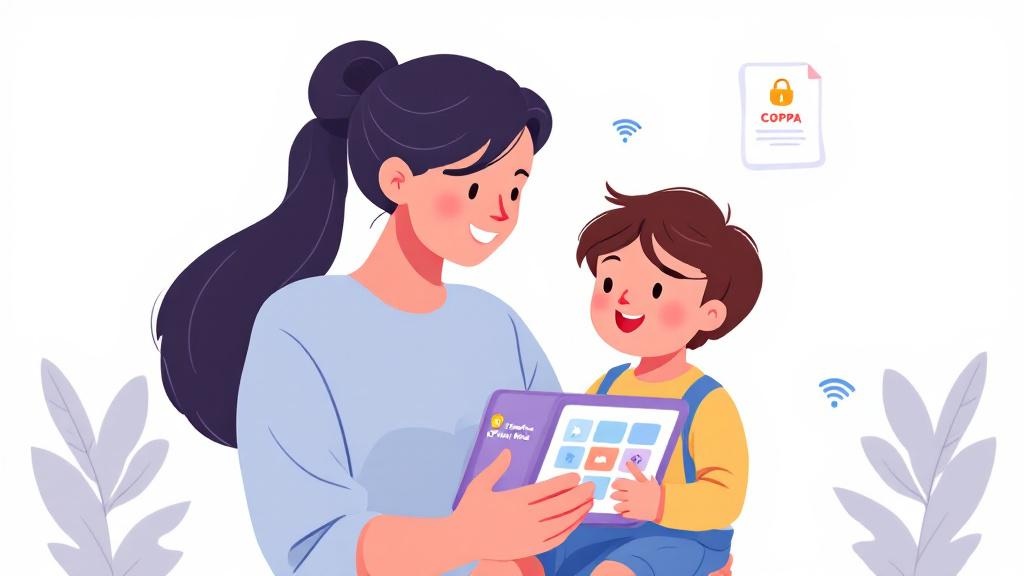
Kids privacy is different from adult privacy because young children can’t meaningfully consent—and they also can’t troubleshoot when an app nudges them into sharing data. For caregivers and preschool admins, “privacy-safe” should mean: the app works with minimal personal information, doesn’t profile a child for advertising, and makes consent clear and revocable. In the U.S., COPPA sets expectations around collecting personal data from children under 13, but good digital safety practice goes beyond legal minimums.
Look for data minimization: no account creation for a child, no precise location, no contact list access, and no persistent identifiers used for tracking across apps. Offline-capable design is a strong signal—if an app can run without an internet connection, it often needs far less data and reduces exposure to third-party data flows. In edtech settings, also consider operational realities: a classroom iPad shared across kids should still keep settings locked, avoid web links, and maintain predictable, tantrum-free sessions without hidden prompts or confusing menus (a design approach used by calm, caregiver-controlled libraries like CalmPlay Minis).
2) The caregiver checklist: vet apps for data, SDKs, and dark patterns
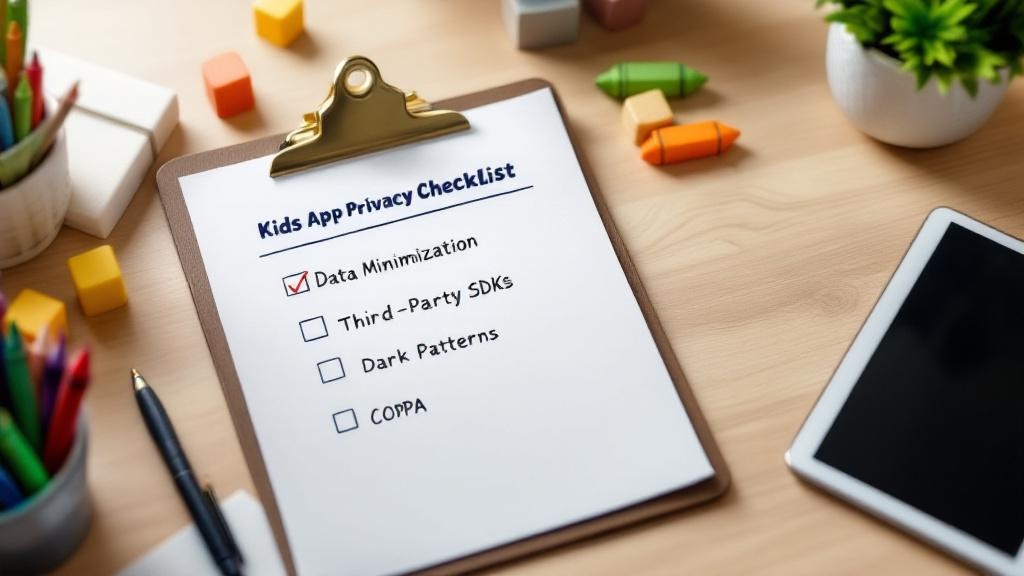
Use this quick checklist before downloading—or before approving an app for a preschool. Data & permissions: Does it collect a child’s name, voice, photos, or location? Does it ask for device ID or ad identifier? Can you play without creating an account? Is there a clear privacy policy written for parents? Strong data security signals include encryption in transit, minimal retention, and a way to delete data.
Third-party SDK risks: Many “free” kids apps quietly embed analytics and ad SDKs that transmit data off-device. Ask: what third parties receive data, and for what purpose? If the app claims COPPA compliance, verify whether it uses behavior-based advertising (a red flag). Prefer apps that either (1) run fully offline, or (2) use limited, privacy-preserving analytics with no cross-app tracking.
Dark patterns in ‘free’ apps: Watch for manipulative UX—endless autoplay, surprise links, timed pressure, confusing close buttons, or purchase prompts a non-reader can’t understand. A good kids privacy posture pairs with kid-friendly design: big-tile navigation, no external exits, and caregiver-only settings behind a parent gate—core digital safety principles in modern edtech tools.
3) Questions to ask vendors (and how to decide for home or classroom)
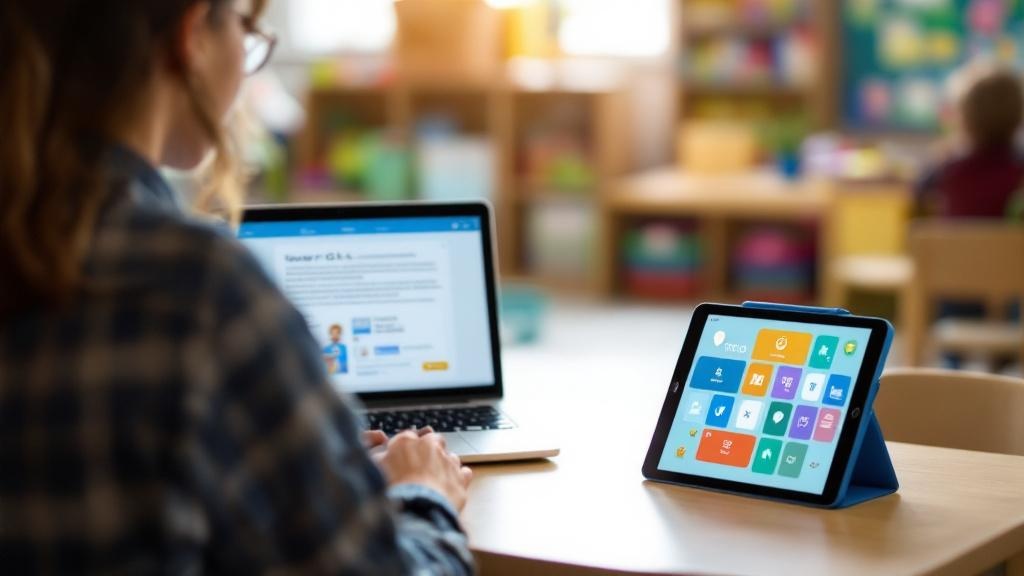
Before adopting a kids app in a classroom—or subscribing at home—ask vendors direct questions and expect plain answers. Start with: What data do you collect and why? Is the app usable offline? Do you share data with third parties or embed analytics/advertising SDKs? Do you use the device ad ID or any persistent identifier? How do you handle consent and COPPA requirements? Can we delete data on request, and what is your retention period? Do you support a parent gate, session timer, and blocked external links? These questions quickly surface whether the product was built for children or retrofitted from a general-audience growth model.
For preschools/daycares, add operational checks: Does it work on shared devices without creating child profiles? Can staff lock settings and prevent app-switching or web exits? Is there documentation for administrators and a security contact? Strong edtech vendors will provide a data-processing summary and make digital safety part of the product, not an afterthought.
Bottom line: privacy-safe play is predictable, low-data, and transparent. If an app needs constant connectivity, endless permissions, or relies on “free” monetization tricks, it’s worth choosing a calmer, subscription-funded alternative that prioritizes kids privacy and data security from the start.